The studio of oWmBo · twitch.tv/owmbo
What oWmBo streams with
This is the gear from Michel’s Twitch stream oWmBo. Every device has its own page with what it does in the studio. In the stream, a QR code leads straight to it.
- Devices
- 76
- Inputs on the video switcher
- 20
- Cameras
- 4
- Formats at once, landscape and portrait
- 2
Every device counts on its own, identical models share one card.
Video
What the cameras see and how it is lit.
Cameras
Three Sony Cinema Line cameras, behind the teleprompter, above the desk and at the sofa, plus a room camera.
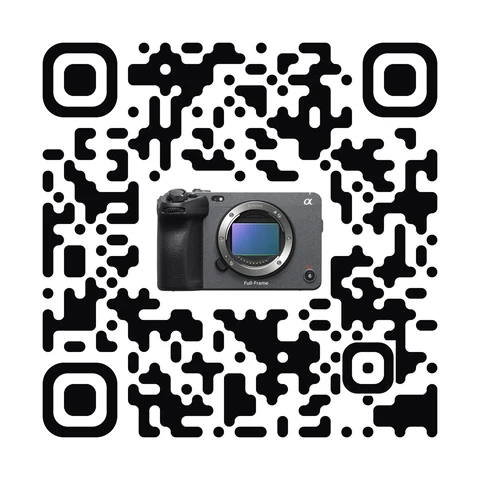
Camera
Sony FX3A
The camera behind the teleprompter: Michel looks straight into it.
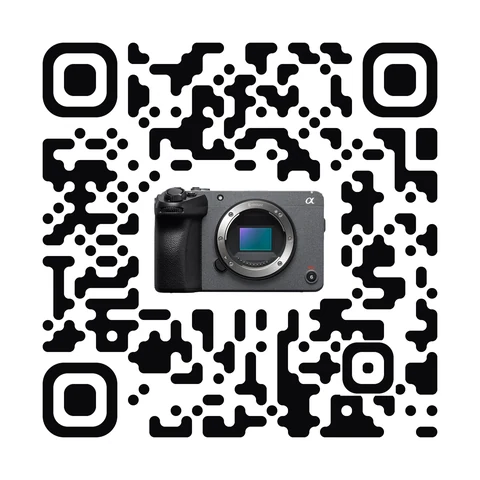
Camera
Sony FX30
Looks down on the desk from above and shows what Michel’s hands are doing.
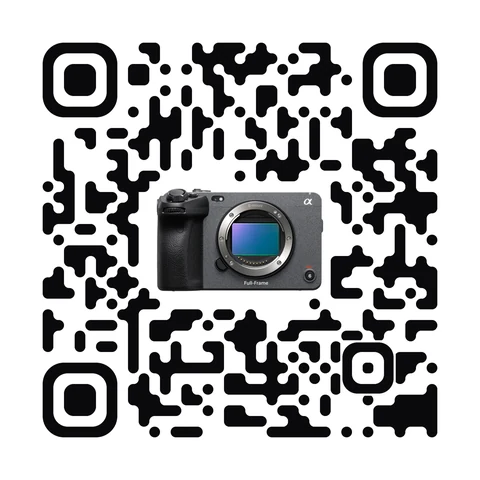
Camera
Sony FX3
The camera at the sofa, with the 85 mm lens.
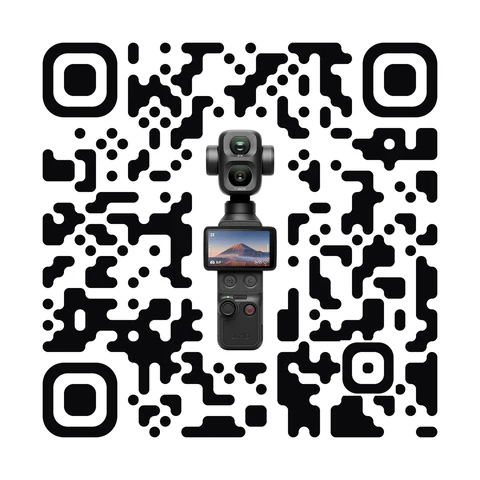
Camera
DJI Osmo Pocket 4P
The room camera: shows the whole studio.
Lenses
Fast prime lenses for the cameras.
Lens
Sigma 35mm F1.2 DG II Art
Sits on the FX3A, the camera at the teleprompter.
Lens
Sigma 23mm F1.4 DC DN Contemporary
Fits the FX30 with its Super 35 sensor.
Lens
Sony E 11mm F1.8
The widest lens in the studio, also on the FX30.
Lens
Sony E 15mm F1.4 G
The second wide-angle lens for the FX30, between the 11 mm and the 23 mm.
Lens
Sony FE 85mm F1.8
On the FX3 at the sofa.
Light and green screen
What makes the picture in front of the camera.
Light
3 × Elgato Key Light
One shines from the top right of the desk, the other two light the green screen evenly.
Light
Elgato Key Light Mini
Part of the front light, together with the Key Light at the top right and the amaran.
Light
amaran 100x S
Part of the front light. Like all studio lights, it is set to 4000 K and switched through Home Assistant.
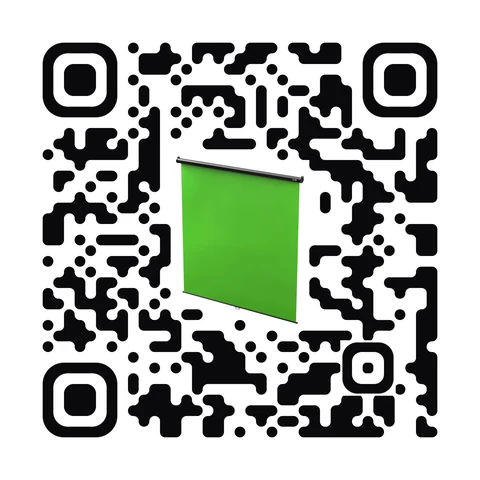
Green screen
Elgato Green Screen MT
Hangs behind the desk. The Ultimatte takes out the green.
Audio
Two microphones, a production console for the gaming PC, the audio mixer where all the sound comes together, plus Michel’s headphones and the speakers for the room.
Microphones, audio mixer and monitoring
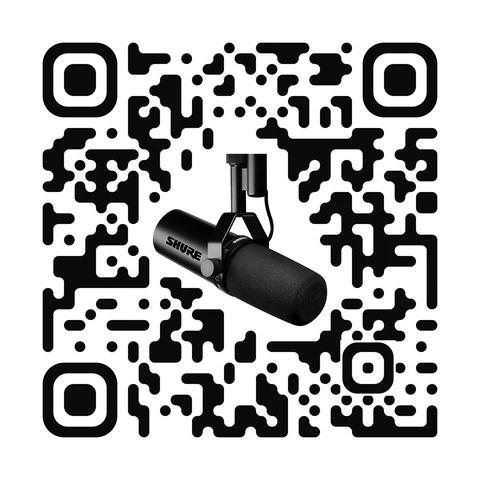
Microphone
Shure SM7dB
Michel’s microphone at the desk, for the stream and recordings.
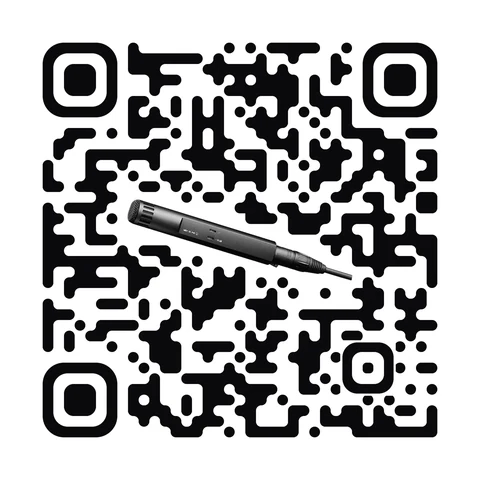
Microphone
Sennheiser MKH 50 P48
The second microphone in the studio, plugged straight into the audio mixer.
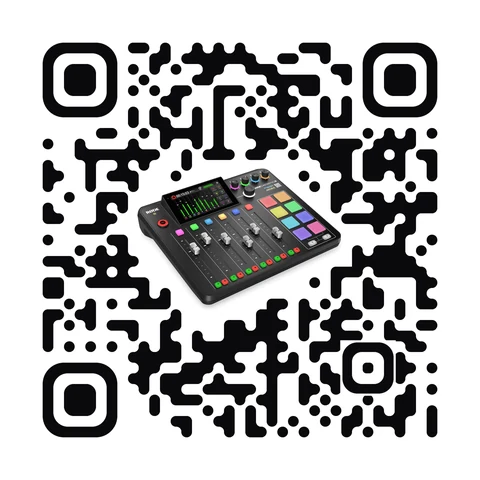
Production console
RØDECaster Pro II
Takes system, game and music audio from the gaming PC and sends each source to the audio mixer on its own output.
Digital mixer
Soundcraft Ui24R
The audio mixer: microphones and computers all come together here.
Headphones
beyerdynamic DT 1990 PRO MKII
Michel’s headphones at the desk.
Speakers
Logitech G560
Plugged into the second headphone output of the audio mixer, they play the normal sound in the room.
Switching and broadcast
Where the signals come together and get mixed, recorded and sent out.
Video control
This is where cameras, computers and consoles come together and get mixed live, in landscape and in portrait.
Video switcher
Blackmagic ATEM 2 M/E Constellation 4K
Mixes all sources live, one level for landscape, one for portrait, and lays the overlays on top.
Keyer
Blackmagic Ultimatte 12 4K
Keys out the green screen behind Michel. The video switcher gets the camera picture and a matte that shows where the picture turns transparent.
Playback device
Blackmagic Media Player 10G
Brings overlays into the video switcher and records the finished portrait feed in the studio PC.
Converter
Blackmagic 2110 IP Presentation Converter
Brings a computer into the video switcher over USB-C as its own picture, plus the finished sound from the audio mixer.
Converter
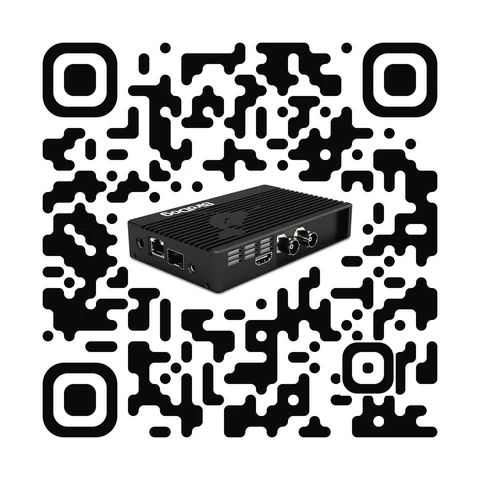
BirdDog 4K QUAD
Sends both finished feeds to the network as NDI and brings the game picture and browser from the gaming PC into the video switcher.
Converter
BirdDog 4K SDI
Turns any NDI source into SDI for the video switcher, such as the YoloBox on the studio network, and sends a picture from the switcher back to the network.
Converter
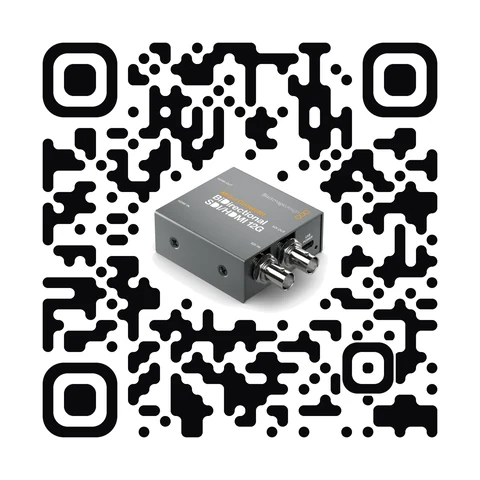
4 × Blackmagic Micro Converter BiDirect SDI/HDMI 12G
The four in use turn the HDMI of the three Sony cameras and the Apple TV into SDI for the video switcher, more are ready as spares.
HDMI matrix
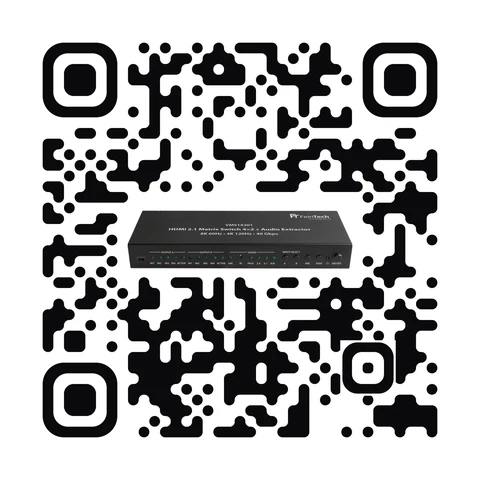
FeinTech VMS14201
Switches the PS5 and Switch 2 to the two Elgato 4K X.
HDMI splitter
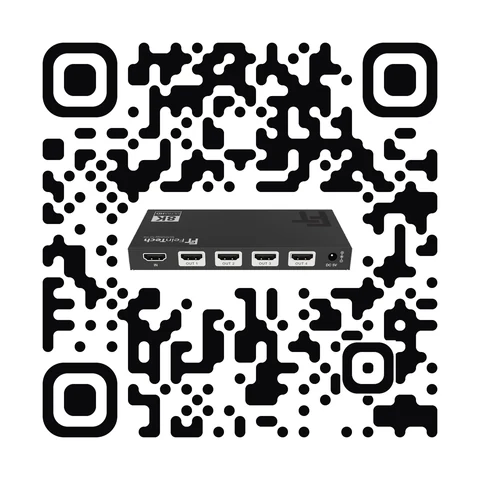
FeinTech SP410
Splits the game picture of the first 4K X to the middle monitor and the 55-inch Frame.
Recording and capture
Recorders for every show, encoders for the way online and the cards that bring signals into the studio PC.
Recorder
Blackmagic HyperDeck Shuttle 4K Pro
Records the landscape feed of every show, and its screen serves as the control monitor in the studio.
Recorder
Blackmagic HyperDeck Studio 4K Pro
Records the portrait feed and plays back replays.
Encoder
Blackmagic Streaming Encoder 4K
Connected to the second output of the video switcher, as a way to stream without the studio PC.
Mobile studio
YoloLiv YoloBox Extreme
Streams from on the road: its picture reaches the video switcher over the internet and the studio PC, and on the studio network as NDI through the BirdDog 4K SDI.
Capture card
2 × Blackmagic DeckLink 8K Pro
In the studio PC: they bring consoles, phone, overlays and streams from on the road into the video switcher and record the finished landscape feed back.
Capture card
2 × Elgato 4K X
They bring the Switch 2 and the PS5 into the studio PC, the monitor at the desk gets the picture through the passthrough.
Capture card
Elgato 4K S
The free HDMI port at the desk, the phone is usually plugged in there.
Control
Buttons, a pedal, the tablet for the audio mixer and a small computer that switches the amaran over Bluetooth.
Control panel
2 × Elgato Stream Deck Studio
The buttons for the show: scenes, cameras, overlays and recording.
Foot pedal
Elgato Stream Deck Pedal
Adds three foot switches to the two Stream Deck Studios.
Tablet
Samsung Galaxy Tab S9 FE+
Shows the controls of the audio mixer and wakes up by itself as soon as the studio starts.
Mini PC
ARCTIC Senza
Mounted under the desk, switches the amaran over Bluetooth for Home Assistant.
Screens
Teleprompter, work monitors, the touch displays in front of Michel and the TVs in the studio.
Teleprompter
Elgato Prompter XL
Sits in front of the FX3A: Michel reads the text without taking his eyes off the lens.
Monitor
3 × ASUS ROG Swift OLED PG27UCDM
All three stand at the desk, the middle one also shows the picture from the consoles.
TV
Samsung The Frame, 75 inch
Shows the game picture of the second 4K X directly from its passthrough.
TV
Samsung The Frame, 55 inch
In the studio, it shows the same picture as the middle monitor.
Touch display
2 × Corsair XENEON EDGE
They sit in front of Michel: one shows the preview, stream status and chat, the other the tech behind it.
Computers
One computer for the show, one for gaming.
Studio PC
The computer behind the show: scenes, overlays, recording and encoding the stream.
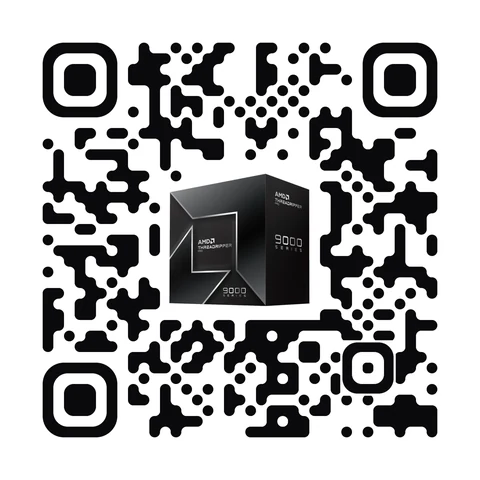
Processor
AMD Ryzen Threadripper PRO 9955WX
The processor in the studio PC.
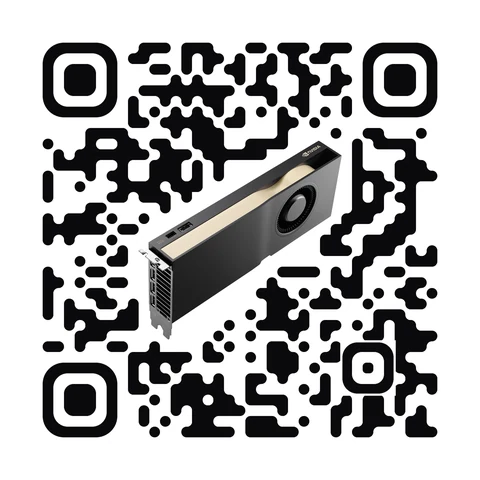
Graphics card
NVIDIA RTX PRO 4500 Blackwell
Encodes the stream in the studio PC and renders the overlays.
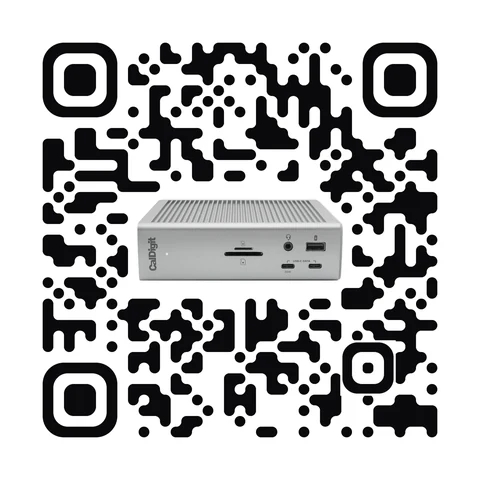
Dock
CalDigit TS4
Dock on the studio PC, through which the individual tracks of the audio mixer arrive over USB.
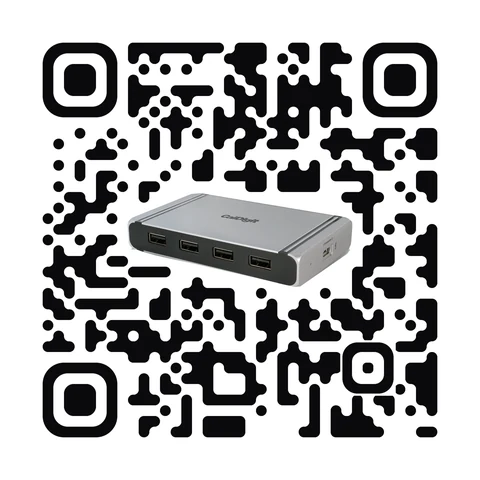
Thunderbolt hub
2 × CalDigit Element Hub
They bring the two Elgato 4K X, the XENEON EDGE displays and the teleprompter into the studio PC over USB, one of them also the individual tracks of the audio mixer.
Gaming PC
The computer the games run on sits in the rack and sends its picture over the network.
Processor
AMD Ryzen 9 9950X3D2
Powers the gaming PC, the large cache helps above all in games.
Graphics card
Gigabyte GeForce RTX 5090 Gaming OC
Renders the game picture in the gaming PC.
Motherboard
ASUS ROG Crosshair X870E Glacial
Holds the processor, RAM and graphics card in the gaming PC.
RAM
G.Skill Trident Z5 Neo RGB, 48 GB DDR5-8000
48 GB of RAM for the gaming PC.
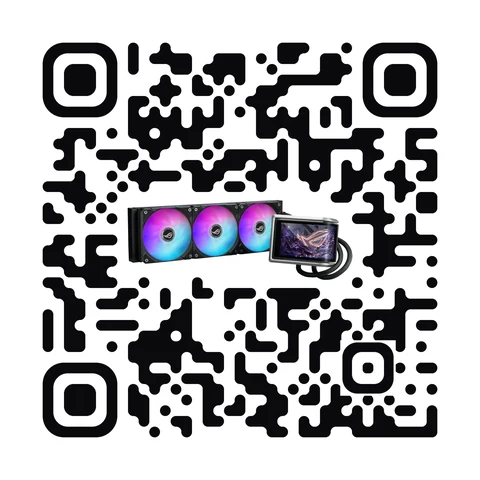
Liquid cooler
ASUS ROG Ryuo IV 360 ARGB
Keeps the Ryzen cool.
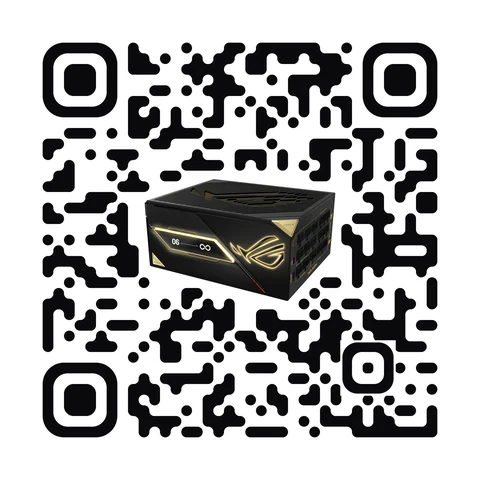
Power supply
ASUS ROG Thor 3000W Titanium III Edition 20
Powers the gaming PC.
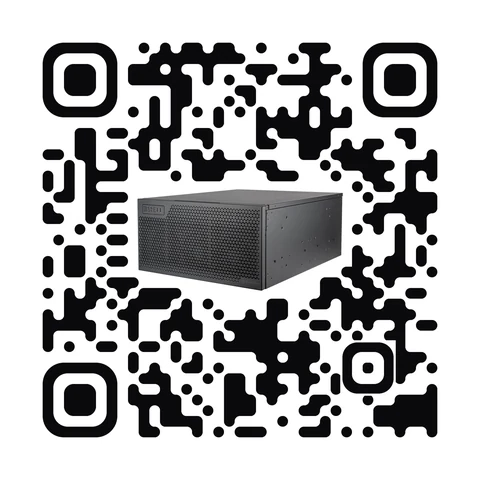
Case
SilverStone RM52
This is how the gaming PC sits in the rack.
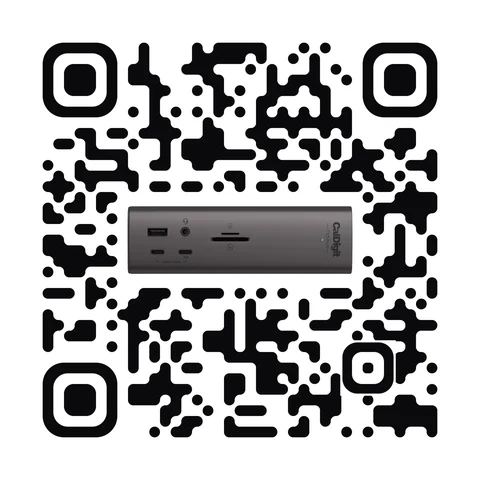
Dock
CalDigit TS5 Plus
Dock on the gaming PC for USB devices and networking at the desk.
Gaming
Everything Michel holds in his hands while playing, and the devices the games run on.
At the desk
Desk, keyboard, mouse and controller.
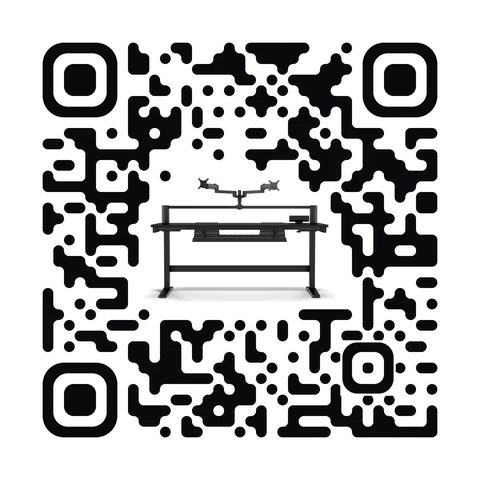
Desk
Corsair Platform:6
The gaming station where Michel plays and streams.
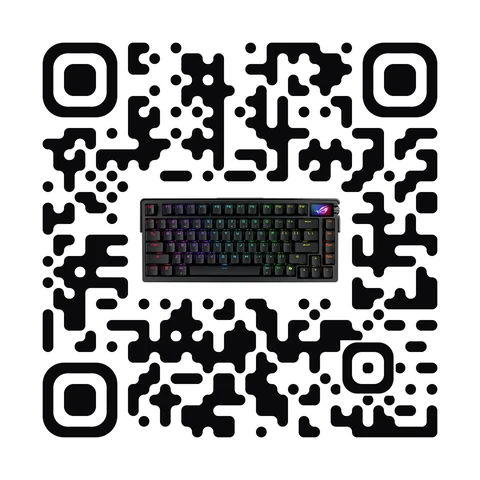
Keyboard
ASUS ROG Azoth Extreme
The keyboard used for gaming and typing.
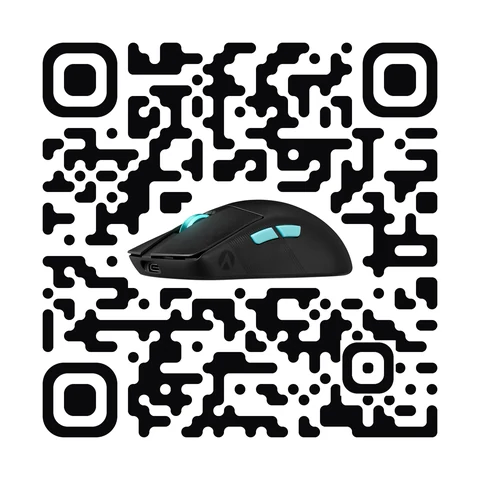
Mouse
ASUS ROG Harpe Ace Aim Lab Edition
The mouse that goes with it, wireless like the keyboard.
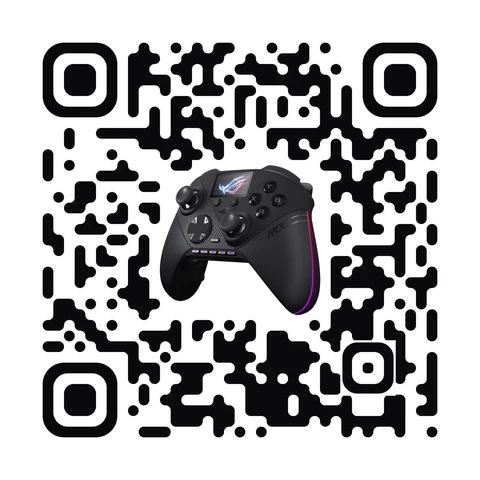
Controller
ASUS ROG Raikiri II Pro
For games that play better with a controller.
Consoles and playback devices
Consoles, Apple TV and the iPad for drawing: each can be switched into the stream as a source.
Console
Sony PlayStation 5
Runs through the HDMI matrix into the studio PC and the video switcher.
Console
Nintendo Switch 2
Connected to the HDMI matrix, like the PS5.
Playback device
Apple TV 4K
A source of its own on the video switcher, as SDI through a BiDirect.
Tablet
Apple iPad
For drawing: the whiteboard app goes over AirPlay to the Apple TV and from there into the video switcher as a source.
How the video gets into the stream
Sources
Four cameras, two consoles, the Apple TV and the gaming PC deliver the picture. The iPad comes in over AirPlay through the Apple TV.
before switching
Converters and keyer
The three Sony cameras and the Apple TV put out HDMI, and one BiDirect each turns it into SDI. The Osmo has a converter of its own. The Ultimatte takes out the green screen. The gaming PC sends its picture as NDI over the network, and the BirdDog turns it into SDI.
before switching
Consoles
PS5 and Switch 2 run through the HDMI matrix into two Elgato 4K X on the studio PC, and the DeckLink cards pass them on to the video switcher over SDI.
every picture over SDI
Switching
The video switcher, an ATEM, mixes landscape (16:9) and portrait (9:16) at the same time.
from the studio PC
Overlays
The studio PC renders them and sends them over SDI, the switcher puts them on top of both formats.
branches off
Recording
Two HyperDecks record, one for the landscape feed, one for the portrait feed.
another way out
Going live directly
The Streaming Encoder 4K can also go live without the studio PC.
both finished feeds
Studio PC
Gets both finished feeds back, encodes the stream on the RTX PRO 4500 and sends the show out.
And how the audio does
Two sources at once
Microphones
The SM7dB for the voice at the desk, plus the MKH 50. Both plug straight into the audio mixer.
Audio from the gaming PC
Game, music and system audio run from the gaming PC through the TS5 Plus into the RØDECaster and arrive separately in the audio mixer.
both into the audio mixer
branches off
Mix to the video switcher
The video switcher gets the finished mix through the 2110 IP Presentation Converter.
studio only
Monitoring
Headphones and speakers are only for listening in the studio: Michel listens on the DT 1990 PRO MKII, the room on the G560.
individual tracks over USB
Studio PC
The tracks arrive over USB through an Element Hub and the TS4. The studio PC takes the stream’s audio from them.
mb Informatik is Michel’s company for software, AI and operations, where he works with Raya. The streaming is a hobby. About us